
5-1
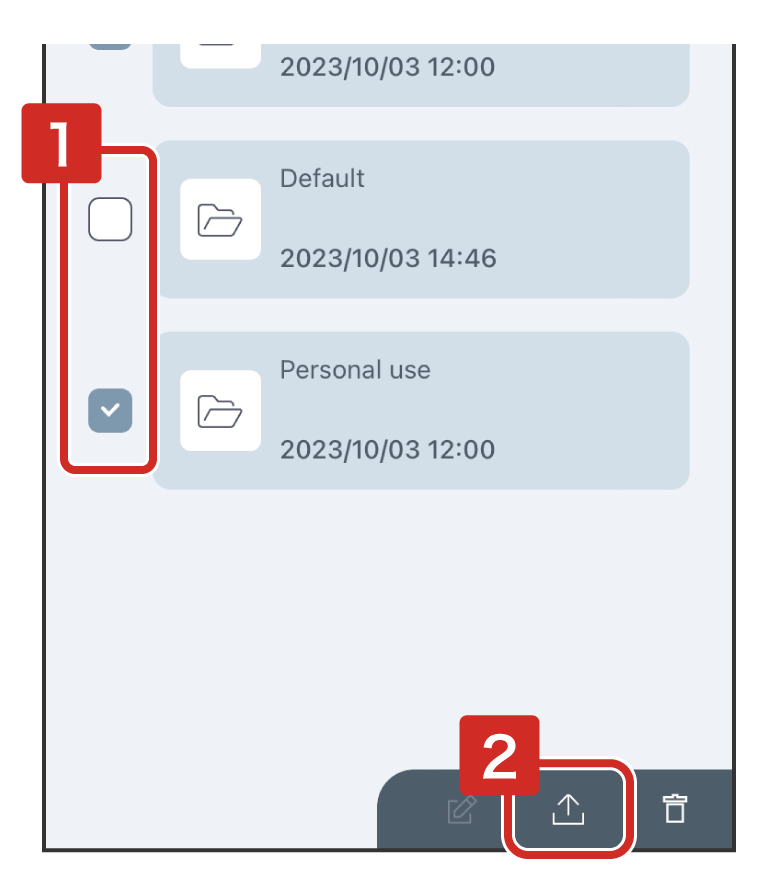
Backing up files
 (Share).
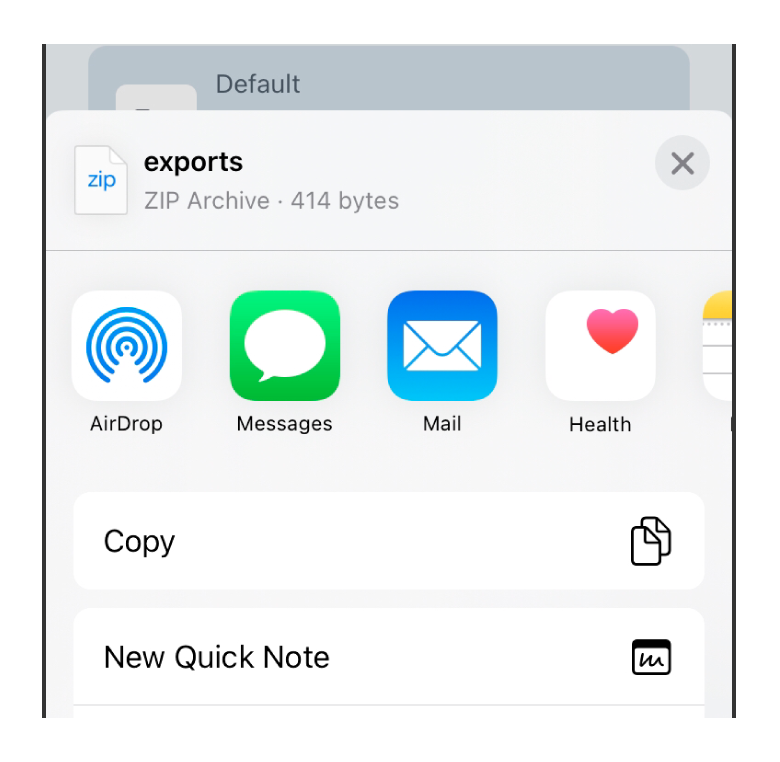
A zipped backup file will be created.
5-2
File compatibility
This application (TEPRA LINK 2  ) can open files (.tm1) saved using TEPRA LINK
  .
.
However, the following restrictions apply when opening files in TEPRA LINK 2.
| Files saved with TEPRA LINK |
Opened with TEPRA LINK 2 |
|---|---|
| Text data with a default font selected | The font will be changed to the standard TEPRA LINK 2 font. |
| Labels inserted multiple Contact information | Only the topmost Contact information will be kept. |
| Handwritten data | Handwritten data will be deleted. |
| Table data | The lines of the table object and the text data in the individual cells are configured separately. In addition, while in TEPRA LINK the table size had a variable length depending on the number of characters, when opened in TEPRA LINK 2, the size of the individual text boxes will be static ("Automatically adjust text box" set to "on"). |
5-3
Inquiries
"KING JIM" and "TEPRA" are trademarks of KING JIM CO., LTD.
"Microsoft"and "Windows" are trademarks or registered trademarks of Microsoft Corporation in the United States and other countries.
"iOS" is a trademark of Apple Inc.
"Android" is a trademark of Google LLC.
The Bluetooth® word mark and logo are registered trademarks owned by Bluetooth® SIG, Inc. KING JIM CO., LTD. has been authorized to use these trademarks.
"QR Code" is registered trademark of DENSO WAVE INCORPORATED in Japan and other countries.
Other company names and product names are trademarks or registered trademarks of the respective companies.
2023-18-①